A recipe paragraph can ask you to mix, bake, and cool something in two sentences. That's readable enough at a desk. On a phone beside the stove, separate steps give each action a place.
When I was testing VeganSwap, imported ingredients weren't enough for a cooking walkthrough. The app needed the directions too. Then I thought about using Apple Intelligence to make those directions easier to follow on the phone.
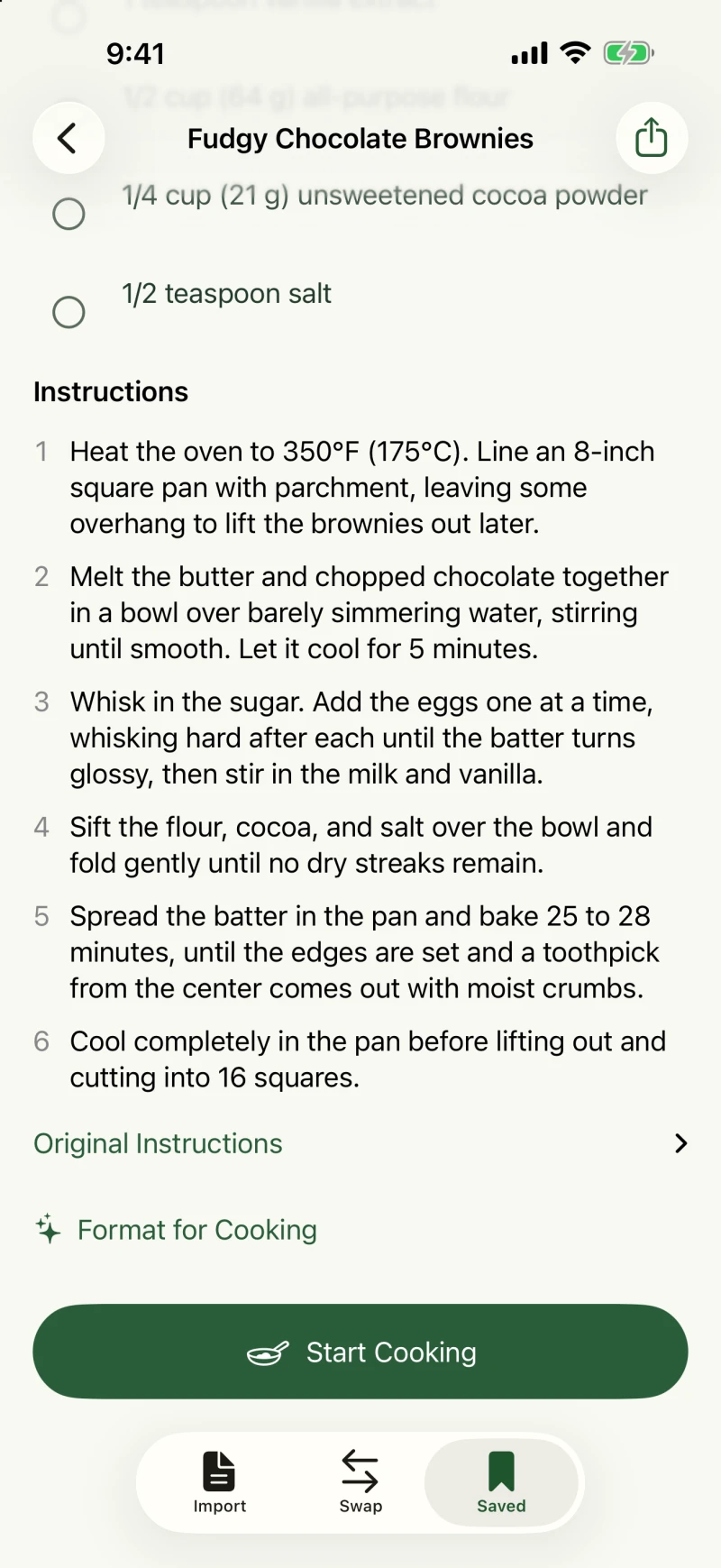
VeganSwap's Format for Cooking works on the instructions brought into the app. It asks the on-device model to remove anecdotes and repetition, and split sequential actions into separate steps. Quantities, temperatures, timing, and cues like “until golden” are supposed to stay.
What survives the rewrite
Choose a step to underline its source. Highlight the details that need to survive.
“In Italy I learned patience.”Anecdote omitted from the steps.
Heat the oven to 180°C. Mix 2 cups flour with milk, then bake for 20-25 minutes until golden. Cool completely before cutting.
The wording gets shorter. The cooking details still need checking.Temperature: keep 180°C. The model should not choose a different oven setting.Quantity: keep 2 cups flour. Formatting does not replace the milk with a vegan alternative.Timing and doneness: 20-25 minutes and “until golden” both matter. A timer is a reminder to check, not a doneness test.No duration is stated for cooling. Keep “completely before cutting”; do not invent a timer.
“Cool completely before cutting” matters as much as the oven temperature. It doesn't contain a number, but leaving it out could change the result. Stirring while something simmers belongs with the simmering step. “Do not boil” needs to stay with the heating instruction.
That makes this more demanding than asking for a shorter summary. There's plenty of text a cook might want to skip, but an instruction can be important without looking important to a model.
The model proposes, but you review
Apple's Foundation Models framework lets me ask for a structured result: a list of steps, the source passages each step refers to, and exact quotes for any stated timing. Getting that structure back doesn't tell me whether the cooking advice is right.
The app checks those references, their order, and whether the numbers and units in each step occur in its cited source. It rejects results that fail those checks. But the checks can't prove that every action or warning survived. A missing cooling instruction can pass a numbers check.
So the result opens in a preview. You can compare it with Original Instructions, then choose Keep Original or Apply. Applying a rewrite keeps the original available too.
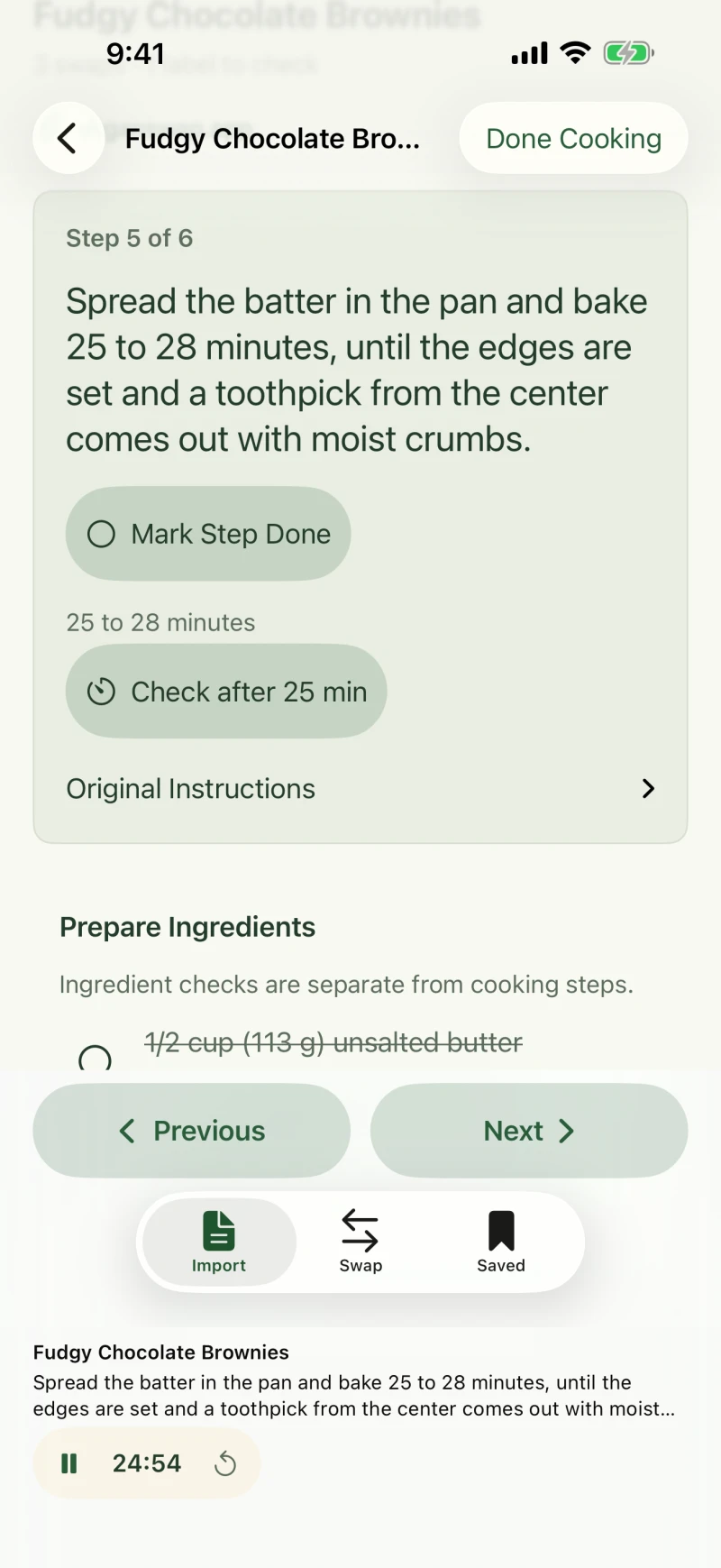
Timers have a narrower rule: they come from durations actually written in the source. “Until golden” doesn't become a guessed number of minutes. For a range like “20-25 minutes,” the timer offers a check at the lower end, not a promise that the food is done.
Optional, and on the phone
Formatting runs through Apple's on-device model on supported iOS 26 or later systems. The button only appears when the model is available and supports the detected recipe language. The original instructions work without it. Importing a recipe from a website still contacts that website; on-device formatting doesn't make the whole import offline.
This also doesn't rewrite the method around vegan replacements. Substitutions stay separate, and you still need to review how they affect the preparation.
I wrote about the cooking behind the app in why I made VeganSwap. This is one smaller part of it: giving each cooking action its own place, without throwing away the instructions it came from.