Perspective figure
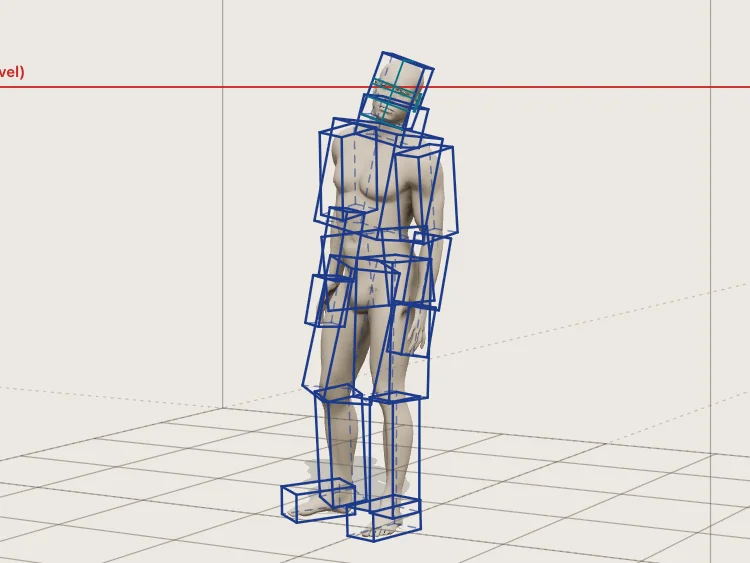
Explore figure and head perspective with posable models, construction boxes, camera lenses and vanishing-point guides. Export a drawing reference or transparent overlay.
Perspective, light, composition, and forms you can turn around. About these tools.
Newest first
Change a pose, move a light, or turn a shape to see it from another side. Each tool's How it works explains the controls and what the model leaves out.
Explore figure and head perspective with posable models, construction boxes, camera lenses and vanishing-point guides. Export a drawing reference or transparent overlay.
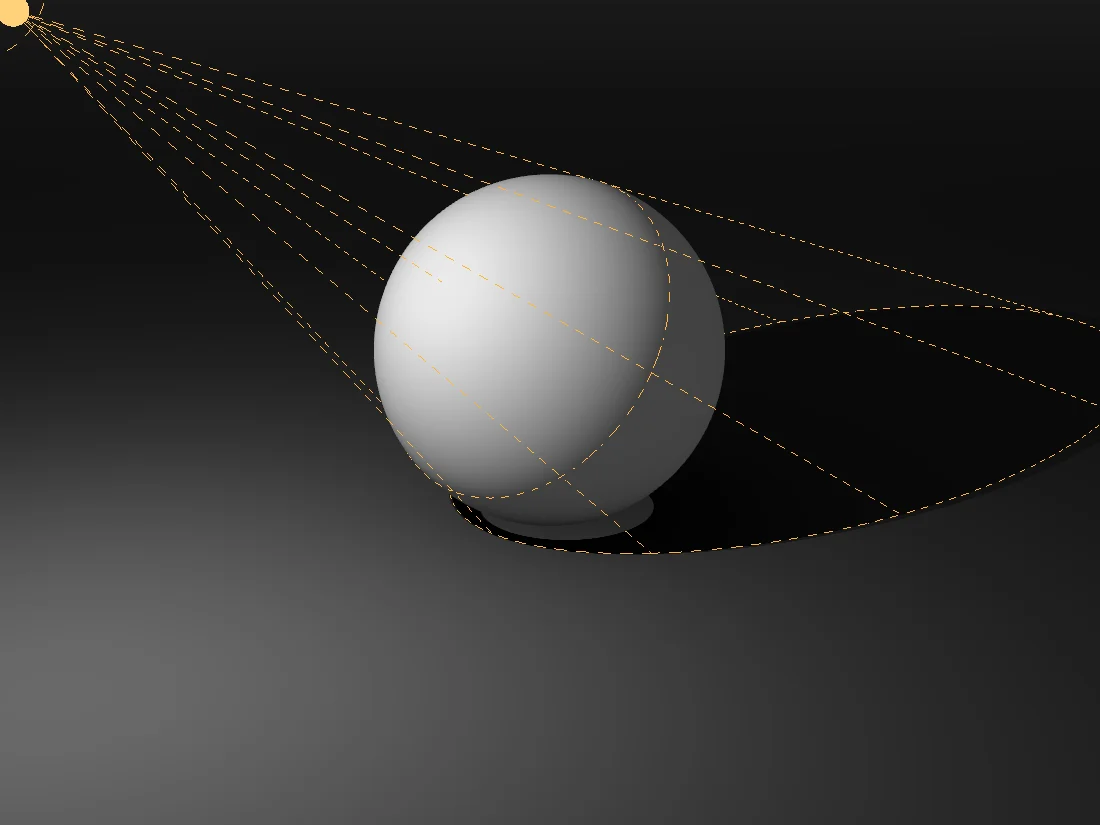
Study light and shadow on a white sphere. Adjust light direction, size, reflected light and camera lens, then compare contours, blurred values and value bands.
Compare composition grids on photos and artwork. Overlay thirds, golden spirals and diagonals, with optional object-detection alignment scores, not beauty ratings.
Compare cage spheres, interlocking bands and an Escher-inspired sphere in one interactive drawing studio, with adjustable geometry and construction guides.
Place angular guides around nested spherical shells and toggle the zones between them. Explore unequal sections, curved boundaries and exposed interiors.
Arrange tetromino blocks around a spherical reference. Change ring count, piece density, scale and elevation to study repetition on a curved surface.
Rotate the seven tetromino shapes as 3D block models. Adjust block size and gaps, compare silhouettes, and inspect perspective with construction guides.
Remove longitude and latitude sections from nested spherical shells. Edit individual layers to study cut surfaces, depth and negative space.
Explore concentric spherical bands with adjustable spacing, width and opacity. Compare nested curves, occlusion and construction guides in a 3D drawing reference.
Adjust the thickness, width, radius and gaps of three segmented circular bands. Study apparent overlaps, cross sections and negative space from different views.
Explore three perpendicular spherical bands with a 3D grid, cross contours and golden-section reference circles. A geometric drawing study, not an impossible object.
Build a spherical cage from horizontal rings and vertical ribs. Adjust its proportions and orbit the model to study ellipses, contours and negative space.
Place and remove cubes on a 3D grid to study stacks, silhouettes and perspective. Export scene data or a vector snapshot of your block construction.
Pose a sculpted figure with named movement controls. Study construction boxes, cut a section through the posed surface, and save a drawing reference or outline.