The Kuwahara shader came over from WebGL almost line for line. Then I had to build a camera around it.
The short version: the painting math moved over almost unchanged. The real work was everything around it.
A few words first
- Shader: a tiny program the graphics chip (GPU) runs once for every pixel, all at once, to pick that pixel's color.
- WebGL: how a browser runs shaders. My first camera experiments ran there.
- Metal: Apple's way to run shaders on an iPhone. Lightdab uses it.
Why leave the browser?
WebGL is actually really fast on phones now, so speed wasn't the reason. I wanted more control over the camera than a web page gets, and a native app was the easiest way to get it. That meant Swift and SwiftUI, which works a lot like React, something I already knew. On an iPhone, Metal is the obvious way to paint pixels. Graphics math doesn't care much what hardware it runs on, so the port was mostly learning a new library.
The math barely changed
Why it matters: if the math moves over intact, the app paints just like the browser experiments did.
Ink & Color starts with a Kuwahara filter. For each pixel, it looks at the area around it in eight slices and leans on the calmest ones, where colors vary least. Texture smooths out, edges stay sharp, and the photo looks painted.
Here's the key part. Browser first:
vec3 mk = m[k].rgb / max(m[k].w, 1e-6);
vec3 vk = abs(s[k] / max(m[k].w, 1e-6) - mk * mk);
float sigma2 = vk.r + vk.g + vk.b;
float wk = 1.0 / (1.0 + pow(min(8000.0 * sigma2, 1000.0), 4.0));
Then iPhone:
float3 mk = m[k].rgb / max(m[k].w, 1e-6);
float3 vk = abs(sq[k] / max(m[k].w, 1e-6) - mk * mk);
float sigma2 = vk.r + vk.g + vk.b;
float wk = 1.0 / (1.0 + pow(min(8000.0 * sigma2, 1000.0), 4.0));
Spot the difference: vec3 became float3, and one name changed. You don't need to read the math to see it's the same.
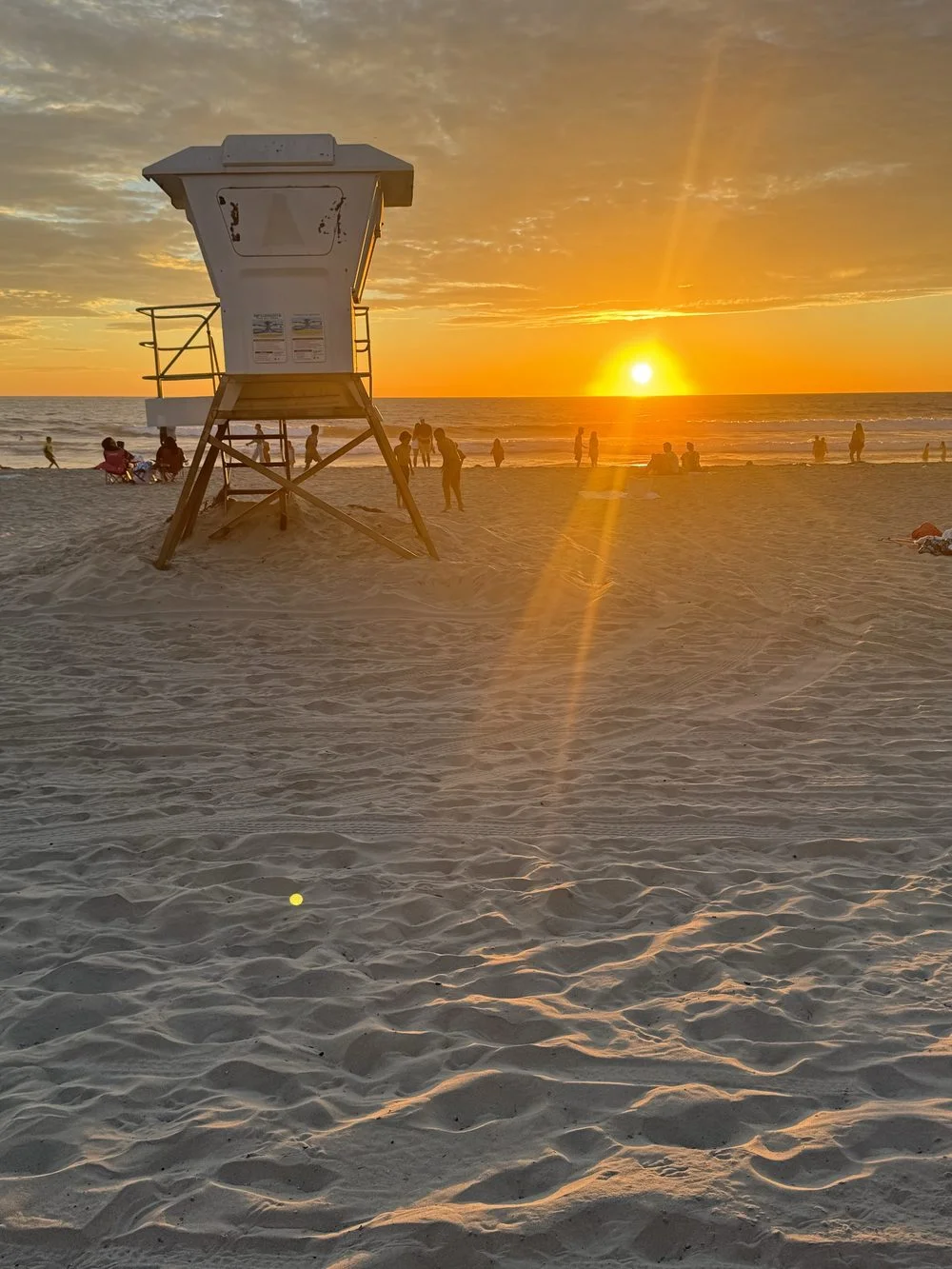
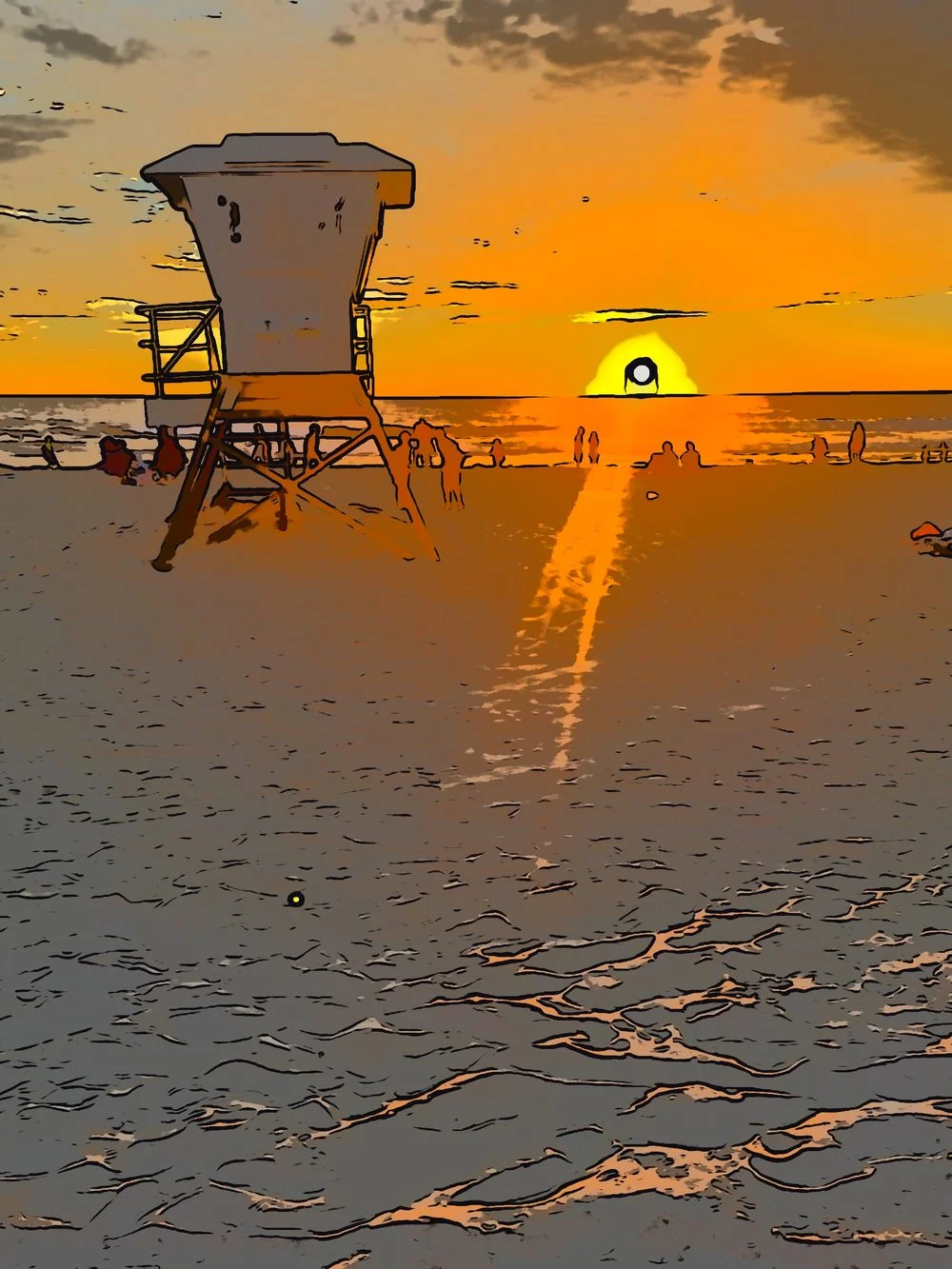
Up and down got flipped
Why it matters: many brush marks point in a direction, so a flipped picture draws them the wrong way.
The browser counts pixel rows from the bottom; Metal counts from the top. Skip that fix and the code still runs, but anything with a direction comes out upside down: pencil hatching, watercolor wobble, edge lines.
Instead of rewriting every pencil formula, I added three one-line translators that flip coordinates on the way in and out, so the pencil math still works the browser's way.
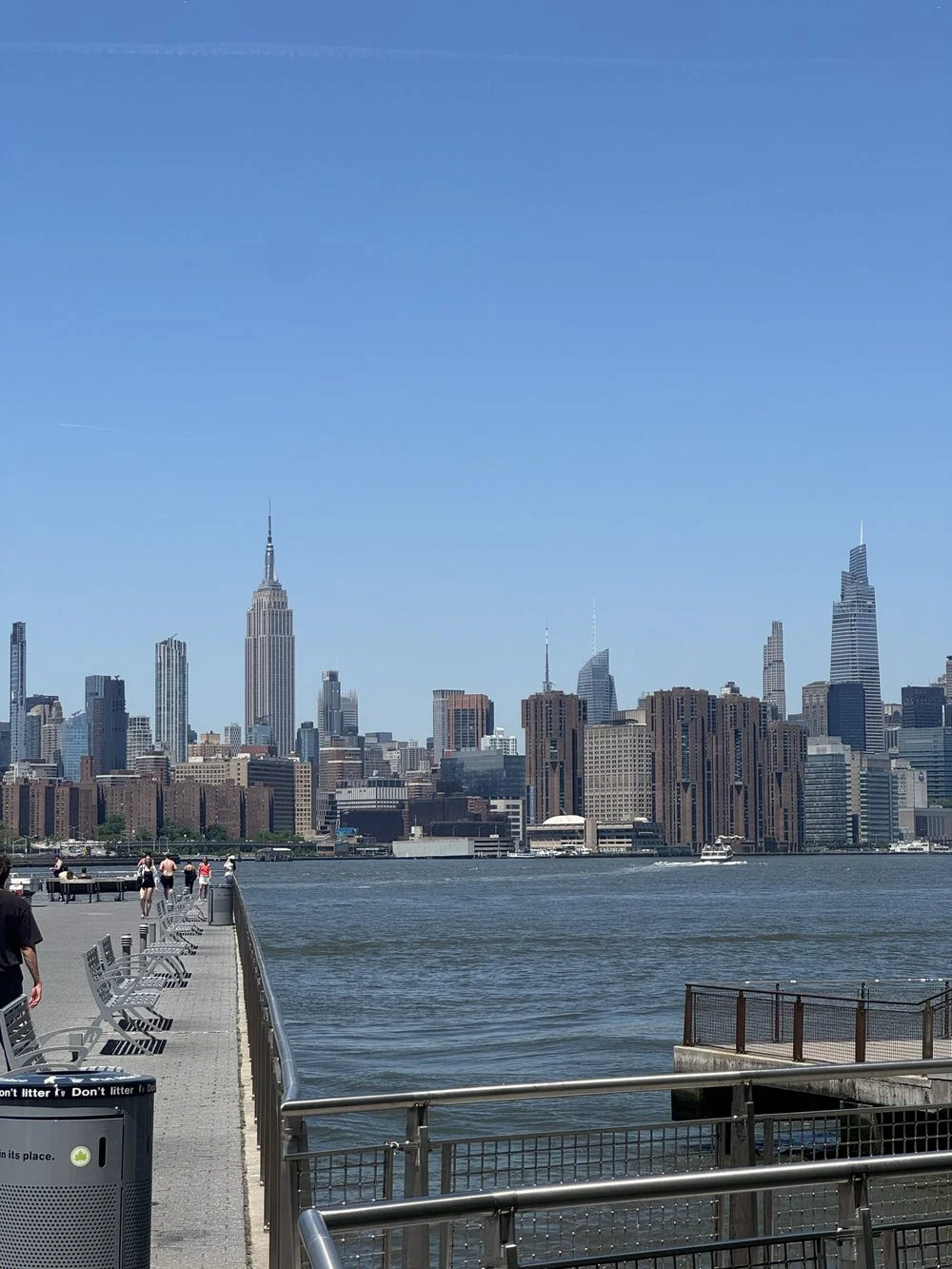
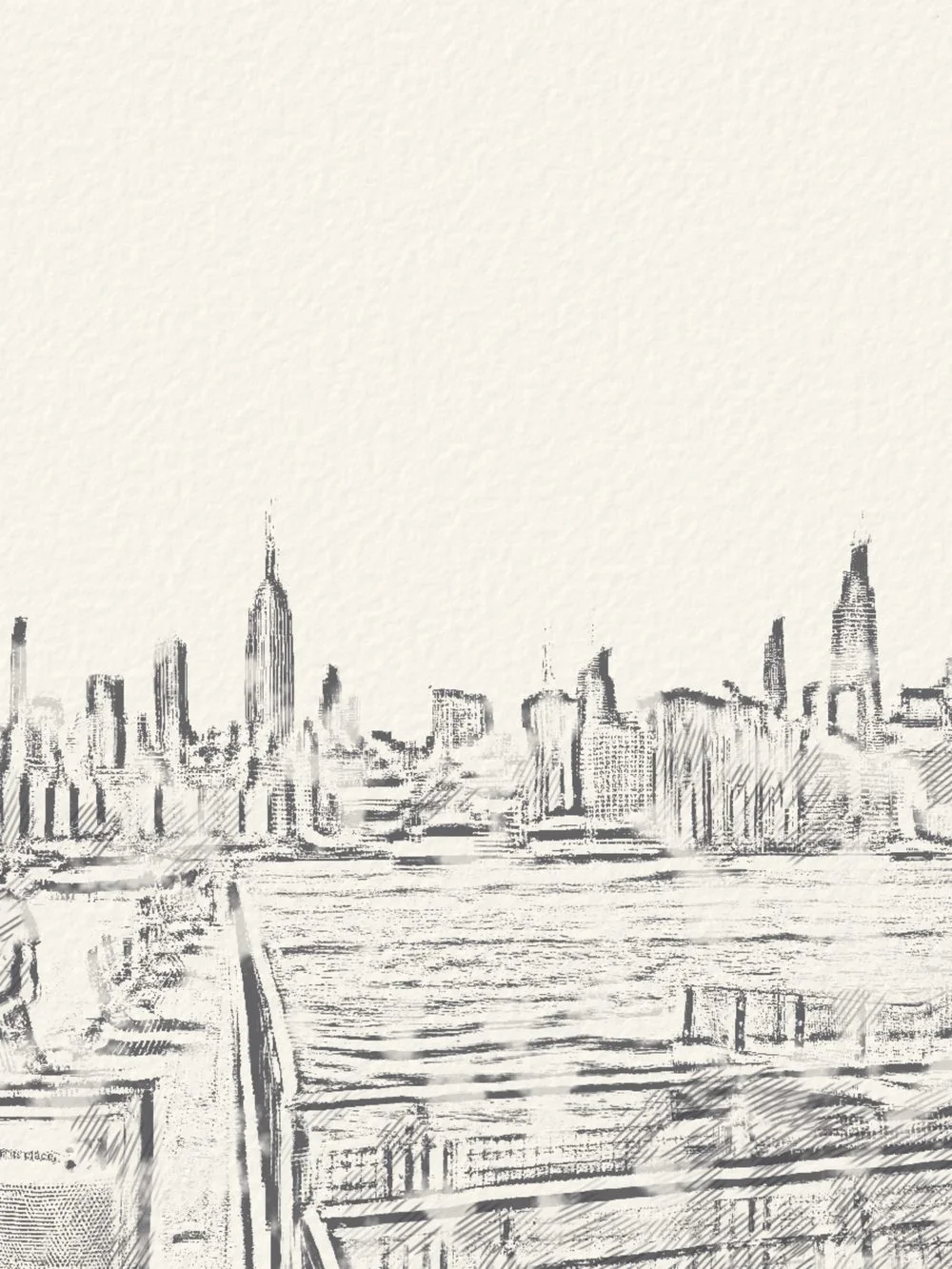
A brush size has to mean something
Why it matters: a brush measured in pixels looks tiny on a big photo.
In the browser there was one canvas. Lightdab paints the live preview, full-size photos and video, and six pixels on a 12 megapixel photo is a much smaller mark than six pixels on screen.
So brush sizes are measured against the screen, and a small helper scales strokes up for bigger images. A saved photo looks like the viewfinder, with more detail.
Getting camera frames to the screen
Why it matters: a live preview should always show right now, even if that means skipping a frame.
- Camera
AVFoundationThe camera hands over each new picture.Late pictures are thrown away, not queued. - Newest-frame box
LatestFrameHolds exactly one picture, the latest.Each new picture replaces the last one. - Hand-off to the GPU
CVMetalTextureCacheLets the graphics chip read the picture where it already is.No time spent copying it. - PaintThe look you picked runs its shaders on the picture.If the graphics chip is still busy, this one is skipped.
- Screen
MTKViewShows the painted picture.
Two choices keep it live. Only the newest camera frame is kept; older ones are thrown away, not queued. And if the graphics chip is still busy, the app skips that draw. Early on it waited instead, which held up the screen. A preview should drop a frame, not freeze.
Video and photos want different things
Why it matters: the live preview can skip frames, but a saved video can't.
- Live preview: the newest frame wins.
- Imported video: every frame gets painted, in order, with its sound. When the phone gets hot, it slows down instead of skipping frames.
- Photos: painted separately at full resolution, so the viewfinder's size never limits what you save.
Keeping the phone from overheating
Why it matters: painting every pixel of every frame is hard work, and a hot phone slows itself down.
- Scratch images get reused instead of remade every frame.
- Pencil, Sumi and Watercolor make their paper texture once per size, not every frame.
- A quality dial watches how long frames take. About a second of slow frames turns quality down (lower resolution first, then a smaller brush), and about a second of fast ones turns it back up. A seriously hot phone stays at the lowest setting.
The old scene came back
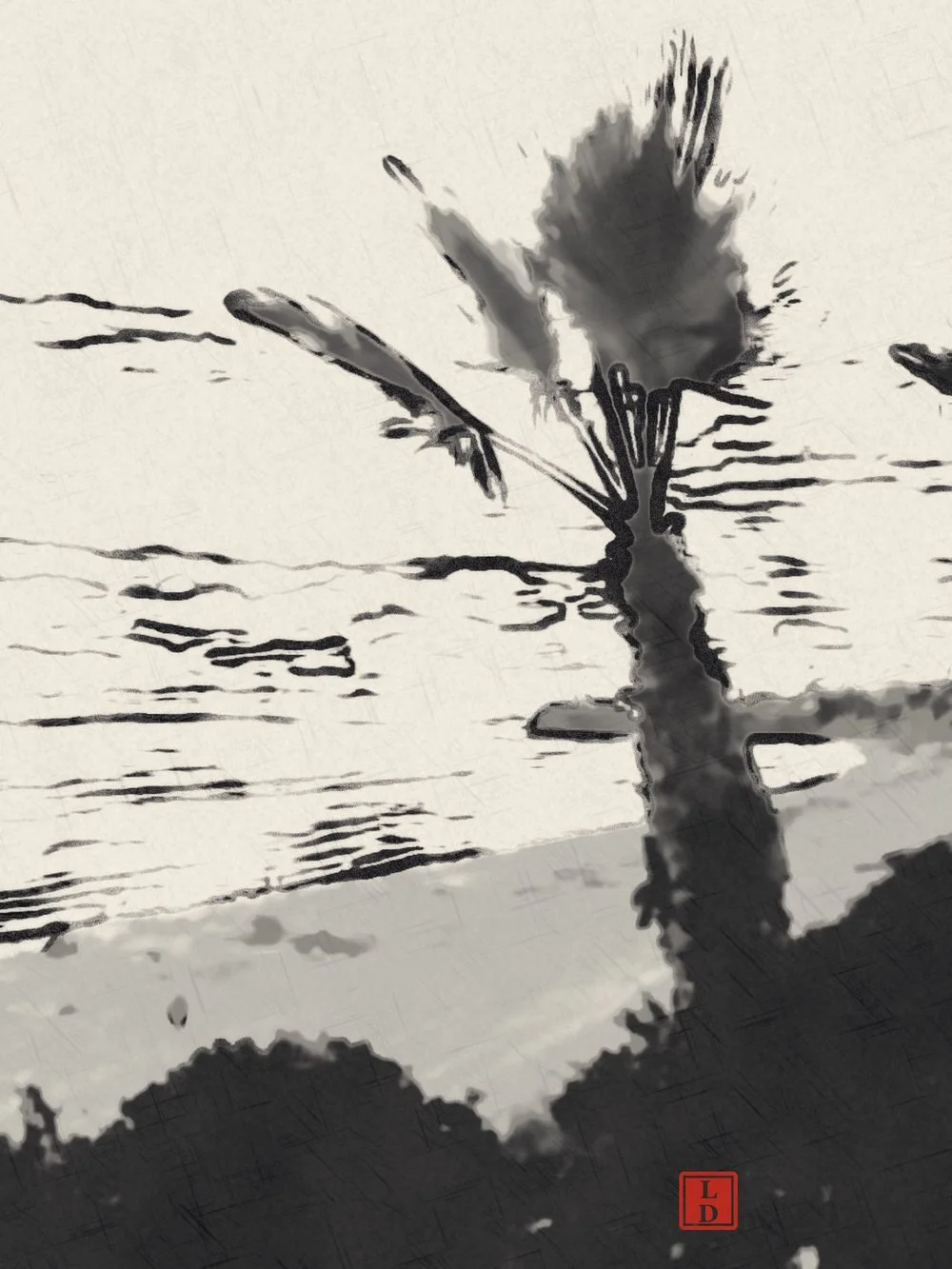
Pencil blends each frame with the ones before it so strokes don't flicker. That caused a weird bug: switch away from Pencil, point the camera somewhere else, switch back, and the first frames had a ghost of the old scene in them. It looked like two images superimposed on each other. I caught it testing at my desk, going back and forth between cameras.
The fix: a look throws away its memory of past frames whenever it stops or starts painting. Two tests check it, including one that skips the cleanup to prove the ghost really shows up.
The shader was the easy part
Look back at every fix in this post. None of them changed the painting math. They changed what the math touches in the real world: which way is up on a screen, how big a photo is, how fast a camera hands over frames, how hot a phone gets, what's left in memory from the last scene.
The formula didn't care where it ran. Everything around it did.
In the launch post, I wrote that the hard part was trying things out on a real device. This is what that looked like under the hood.
The Kuwahara explainer runs the same math in your browser, and Lightdab runs it on your iPhone's camera.